Host nearby
Your Mac opens the room and nearby browsers join on the LAN.
wwu Word With You. Work With You.
A Mac document room for nearby teams: share over your local network, connect your own local AI, and keep every important edit reviewable.
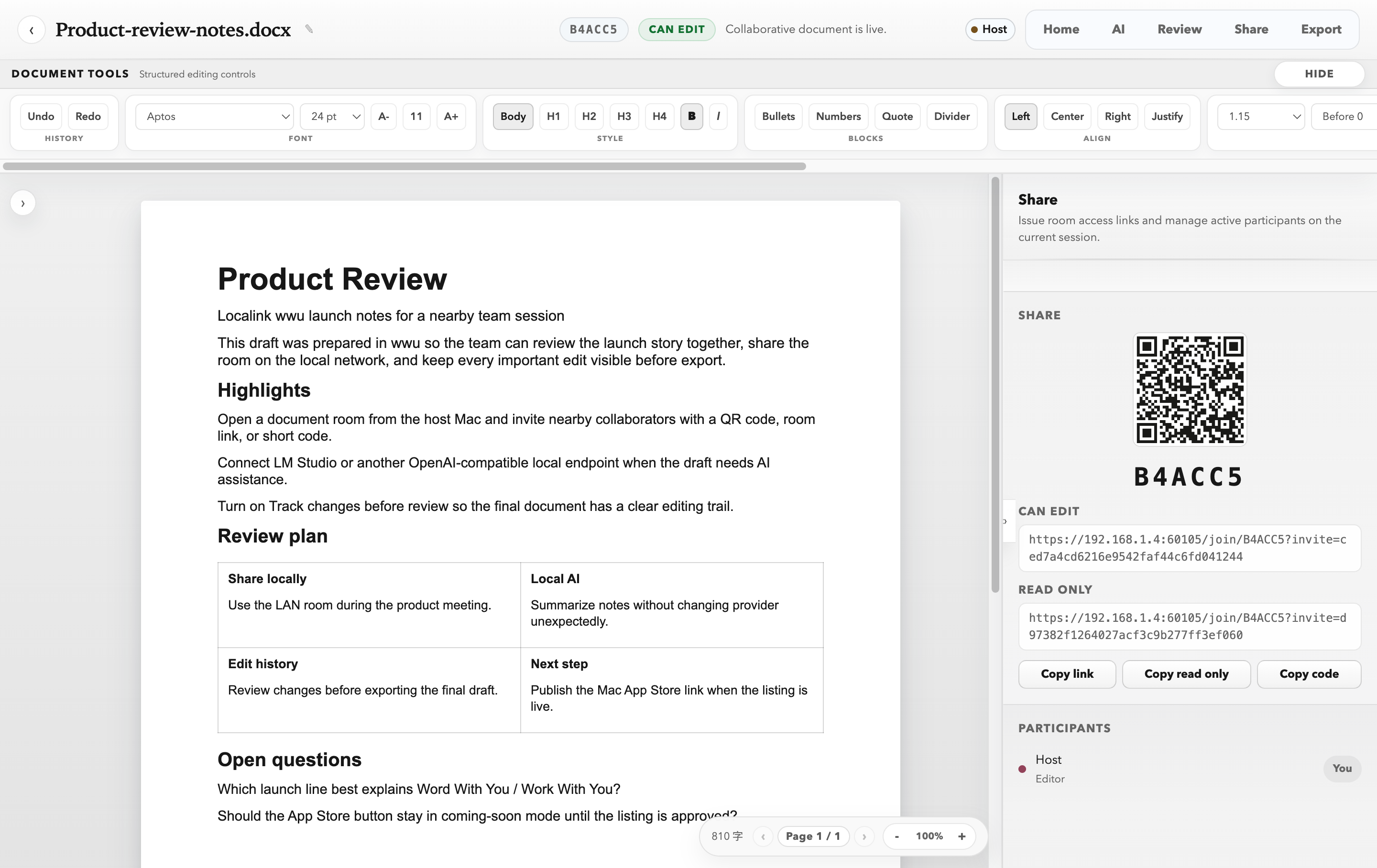
wwu feels like a document tool because it should. The difference is in how the room is hosted, how AI is connected, and how the draft records its own history.
Your Mac opens the room and nearby browsers join on the LAN.
Use a local OpenAI-compatible endpoint or opt into an online provider.
Track changes keeps the shape of the draft accountable.
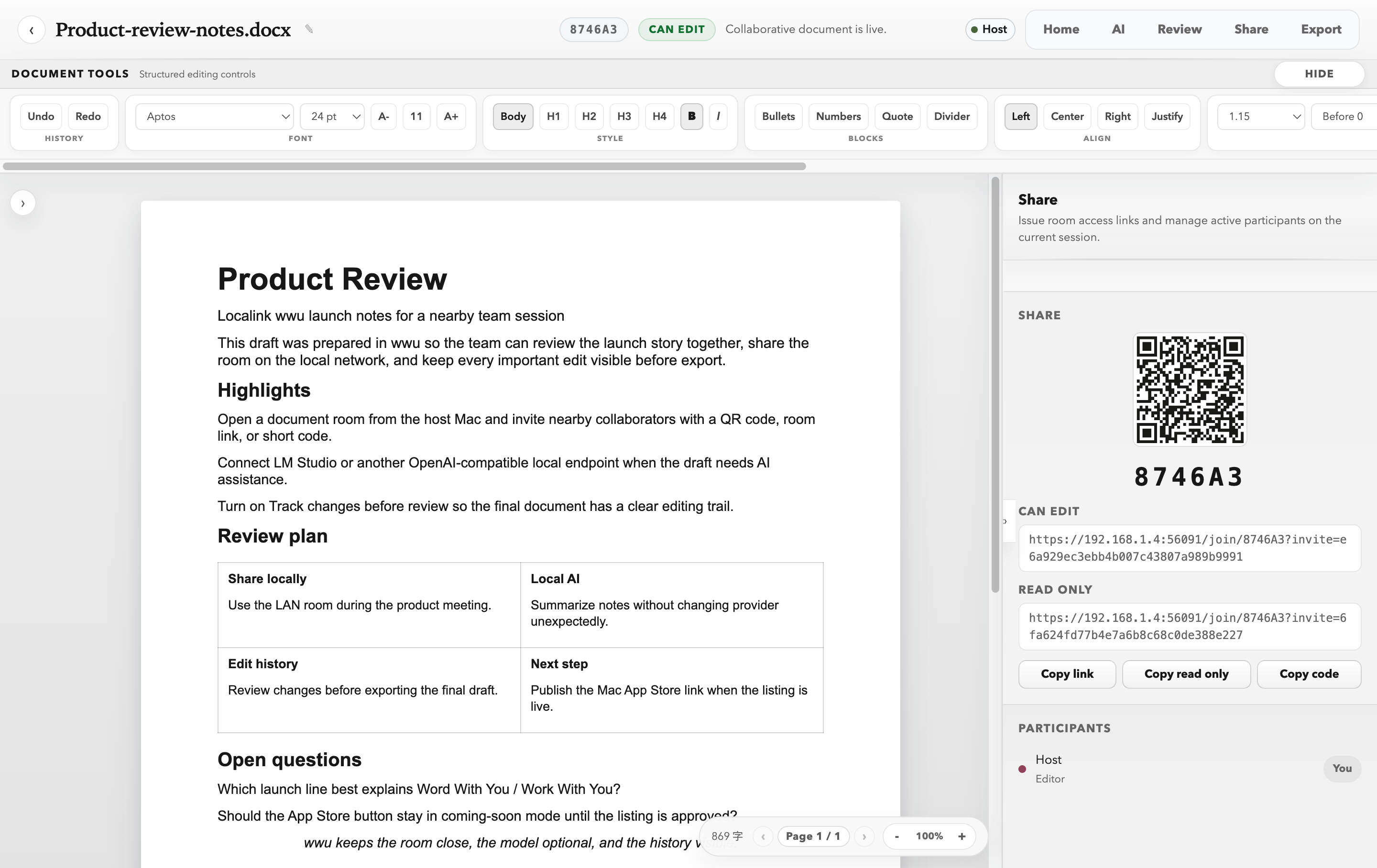
Your Mac hosts the collaboration session. People on the same network join with a QR code, secure link, or room code in their browser.
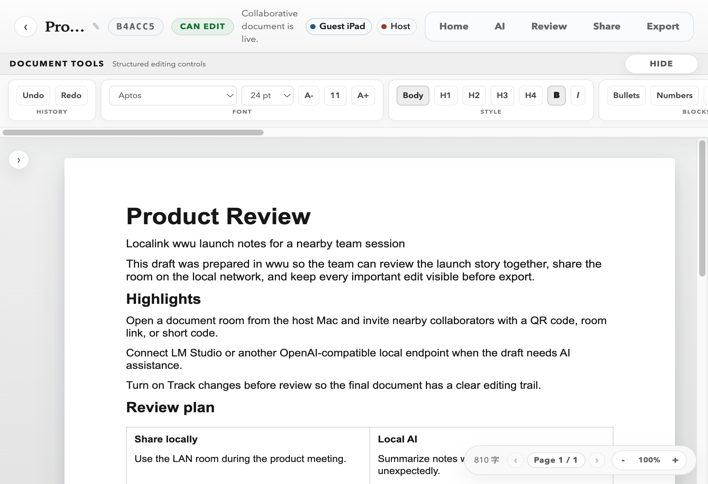
Configure an OpenAI-compatible local endpoint such as LM Studio. Online providers remain a deliberate choice, not the default promise.
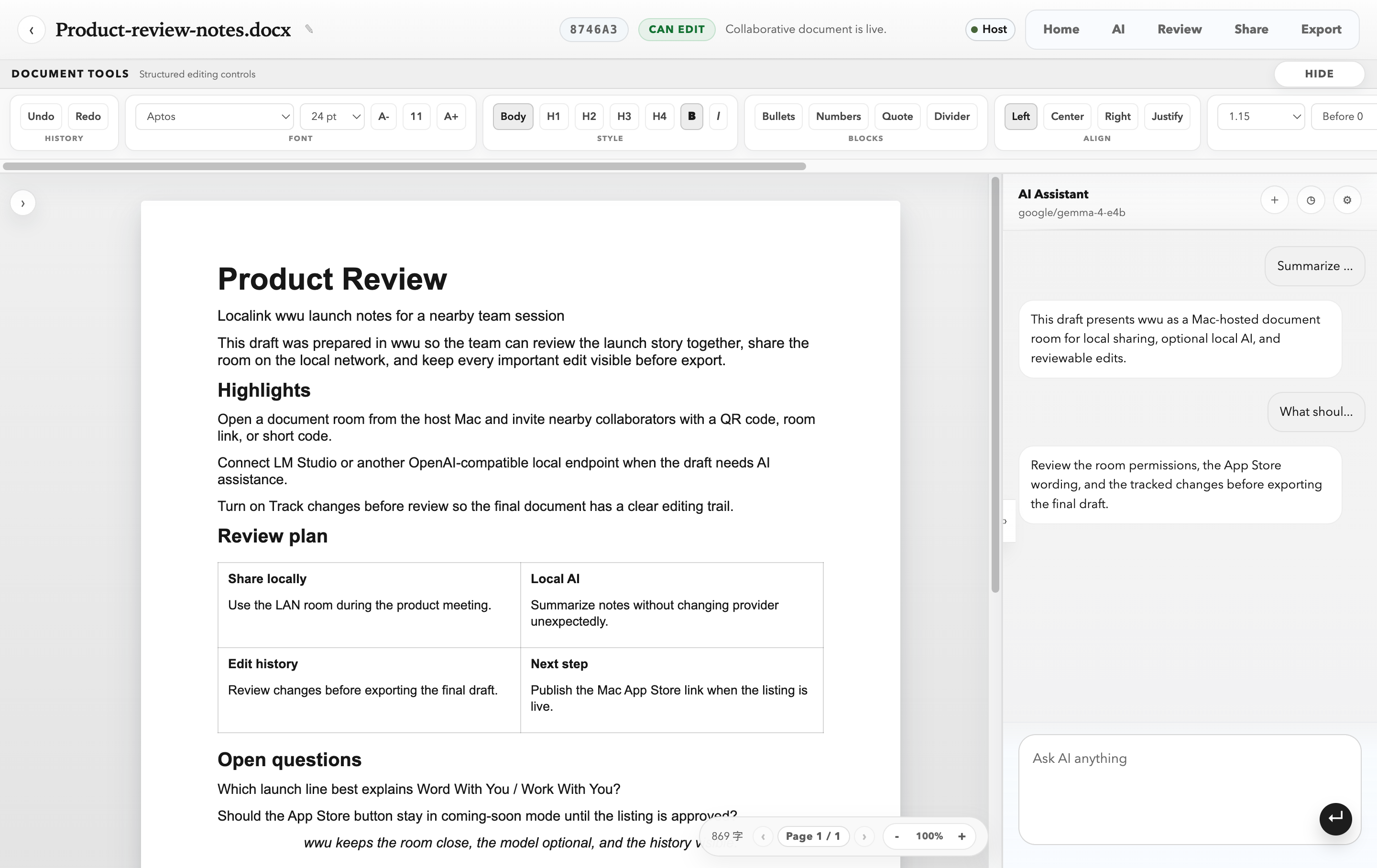
Track changes records what shifted in the draft so the team can compare, discuss, and decide what stays.
wwu is built for local-first collaboration. Your Mac hosts the room, stores working copies locally, and exports the result when you are ready.
Read the privacy noticeNearby collaborators join through their browsers on your local network.
Autosave and restart recovery keep the host's work available locally.
Use a configured local endpoint, or choose an online model provider intentionally.
Focused tools for local collaboration, starting with documents on macOS and expanding into more shared work formats over time.
 Current product
Word With You Work With You
A future Localink companion built around the same local-first idea.
WWU is now available on the Mac App Store. Open the official listing to get the current version for your region.